
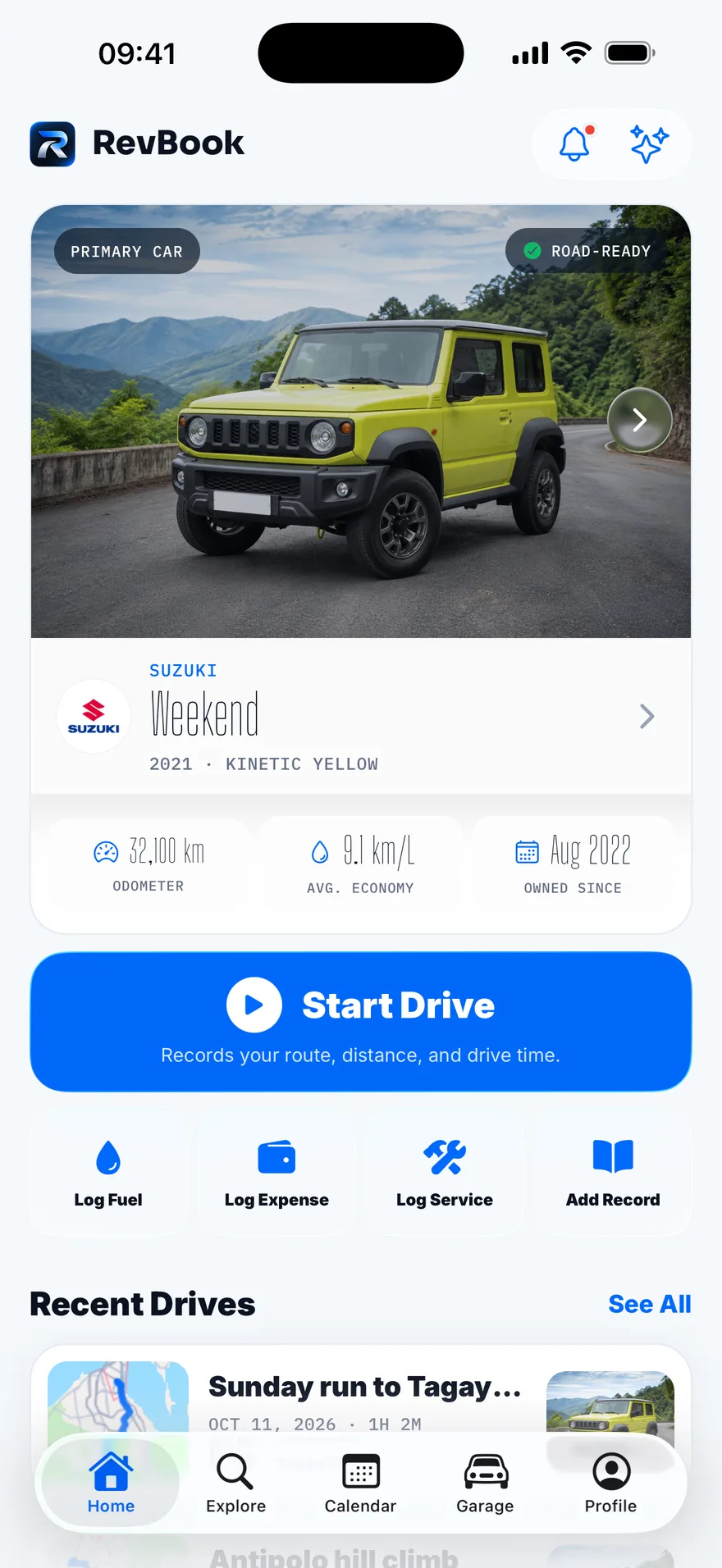
Drive
Every drive has a story. RevBook keeps the log.
Tap Start Drive, pick where you are going, and put the phone down. Distance, time and speed are recorded in the background, even with the screen off.
-
Navigate with the app you already use
Hand off to Waze or Google Maps for directions while RevBook records the drive.
-
Start from CarPlay
Choose your car and begin recording from the dashboard screen.
-
Stats worth checking
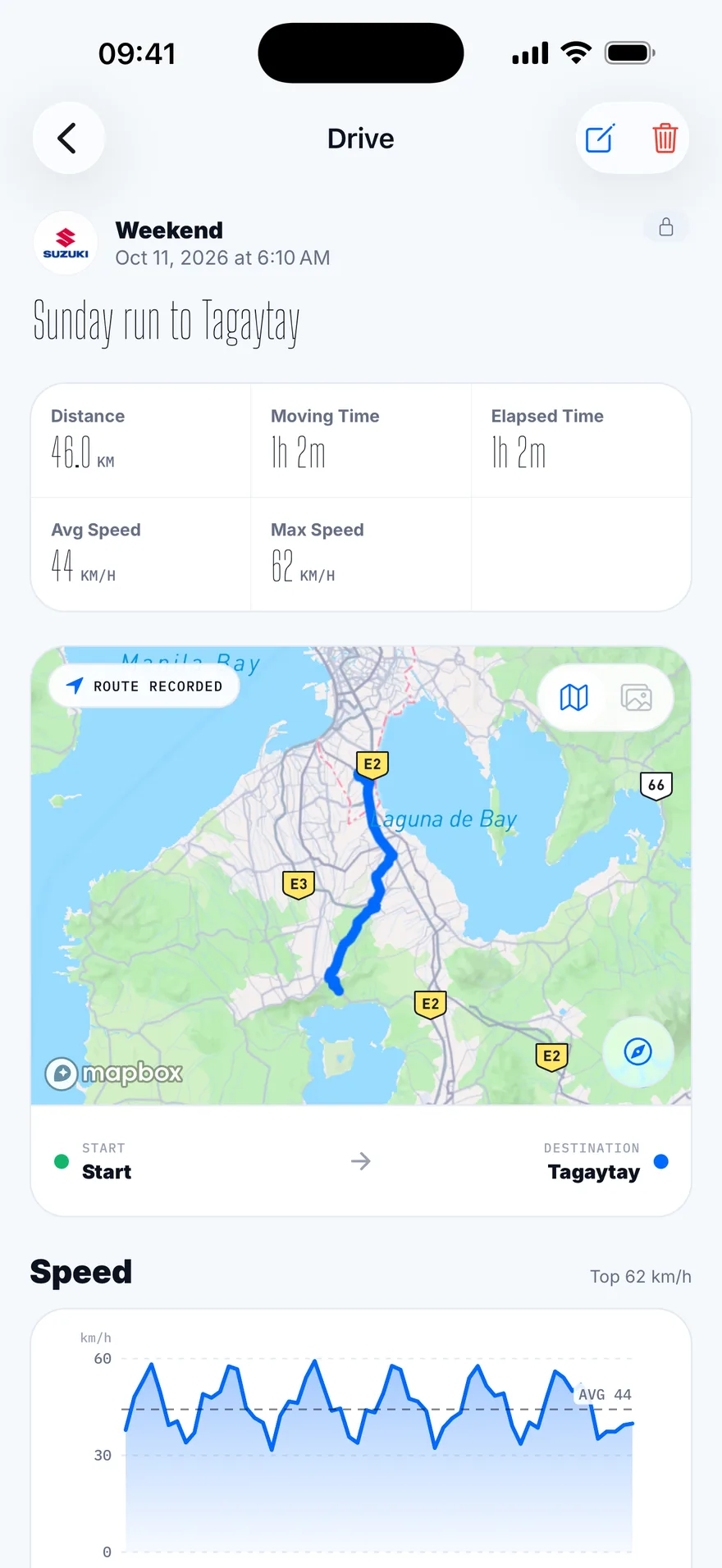
A speed chart, per-kilometre splits, fuel economy and the route on a map. Keep the drive or discard it.
-
Relive it as a flyover
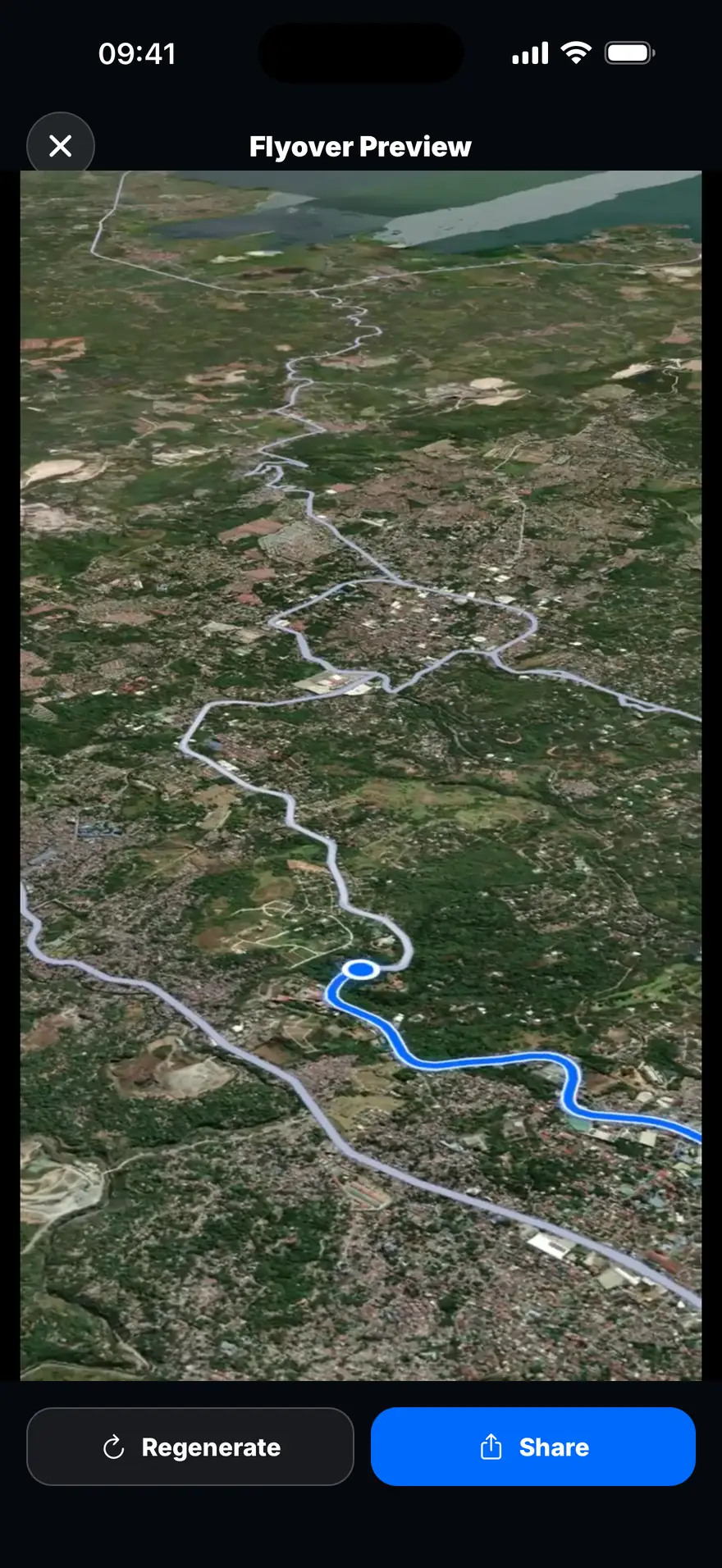
Turn any saved drive into a short 3D flyover video of the route, made on your phone.
Record
The service book your car deserves.
Oil changes, brake jobs, fill-ups, registration renewals and receipts all land on one timeline. When it is time to sell, the history goes with the car.
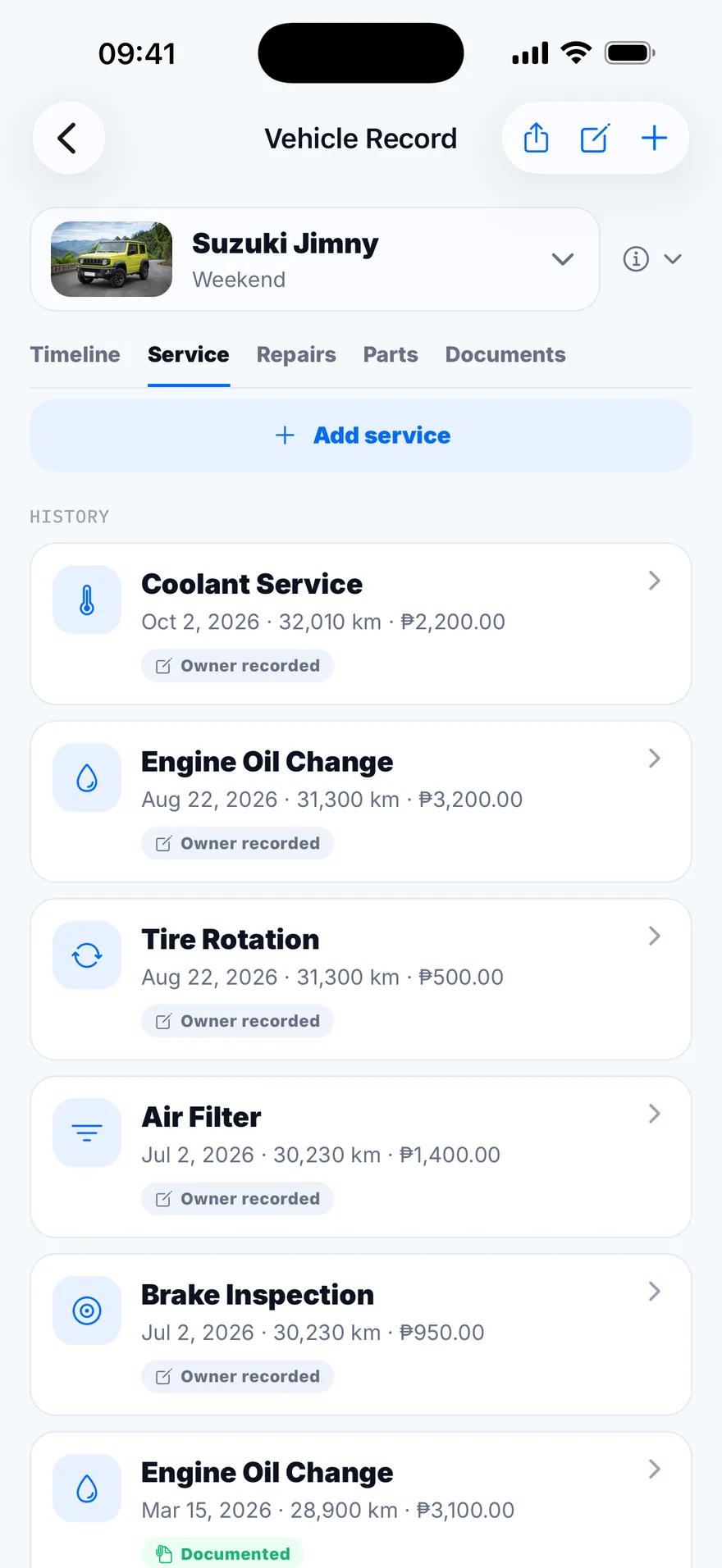
Every entry shows its proof
Attach a receipt or an odometer photo and the entry is marked documented. A buyer can see at a glance which records are backed up and which are not.
Share a read-only copy
Send the full history as a web page or a printed PDF service book. Costs, plate and VIN stay hidden unless you choose to include them.
Hand the book to the next owner
When the car changes hands, send its service history to the buyer's RevBook. Your fuel logs, trips and personal documents stay with you.
Remember
Good roads deserve a recap.
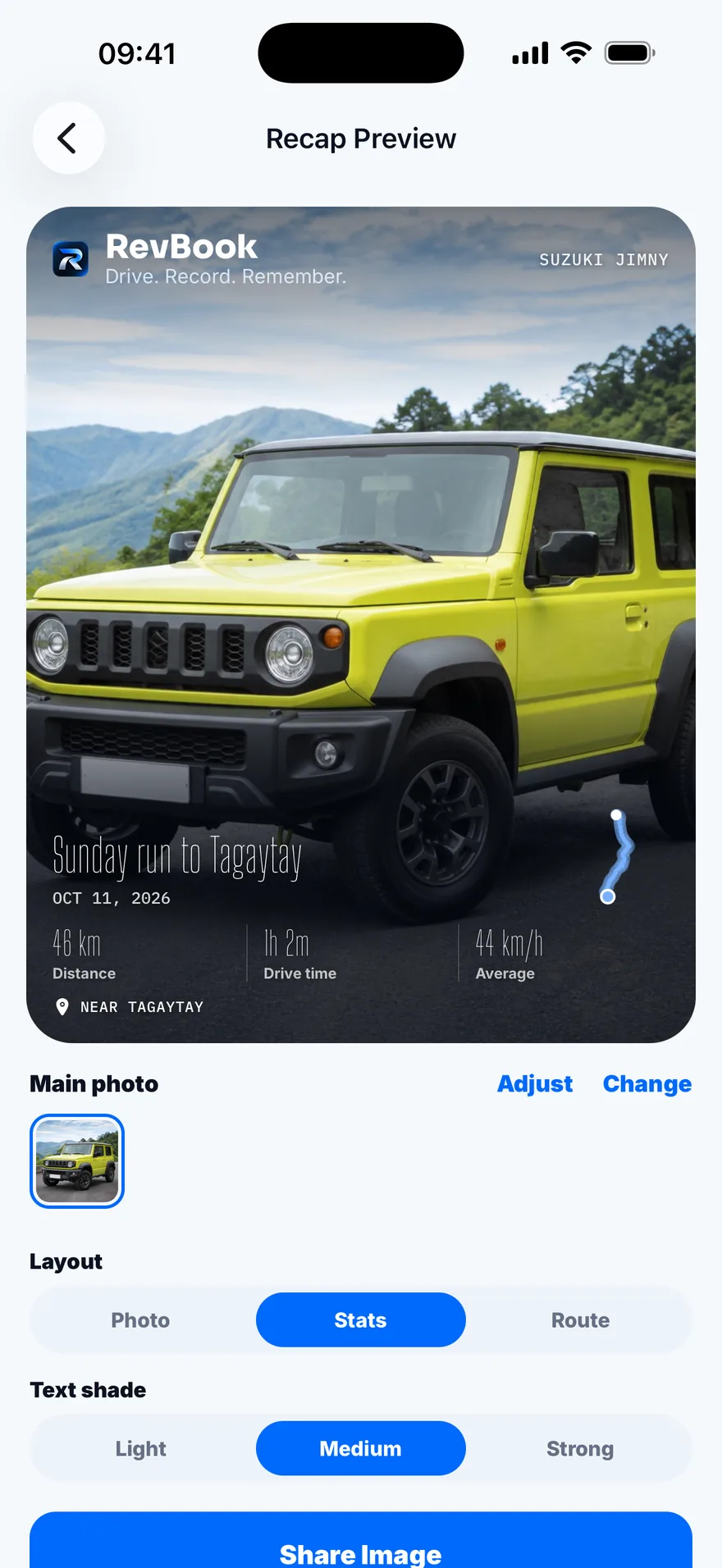
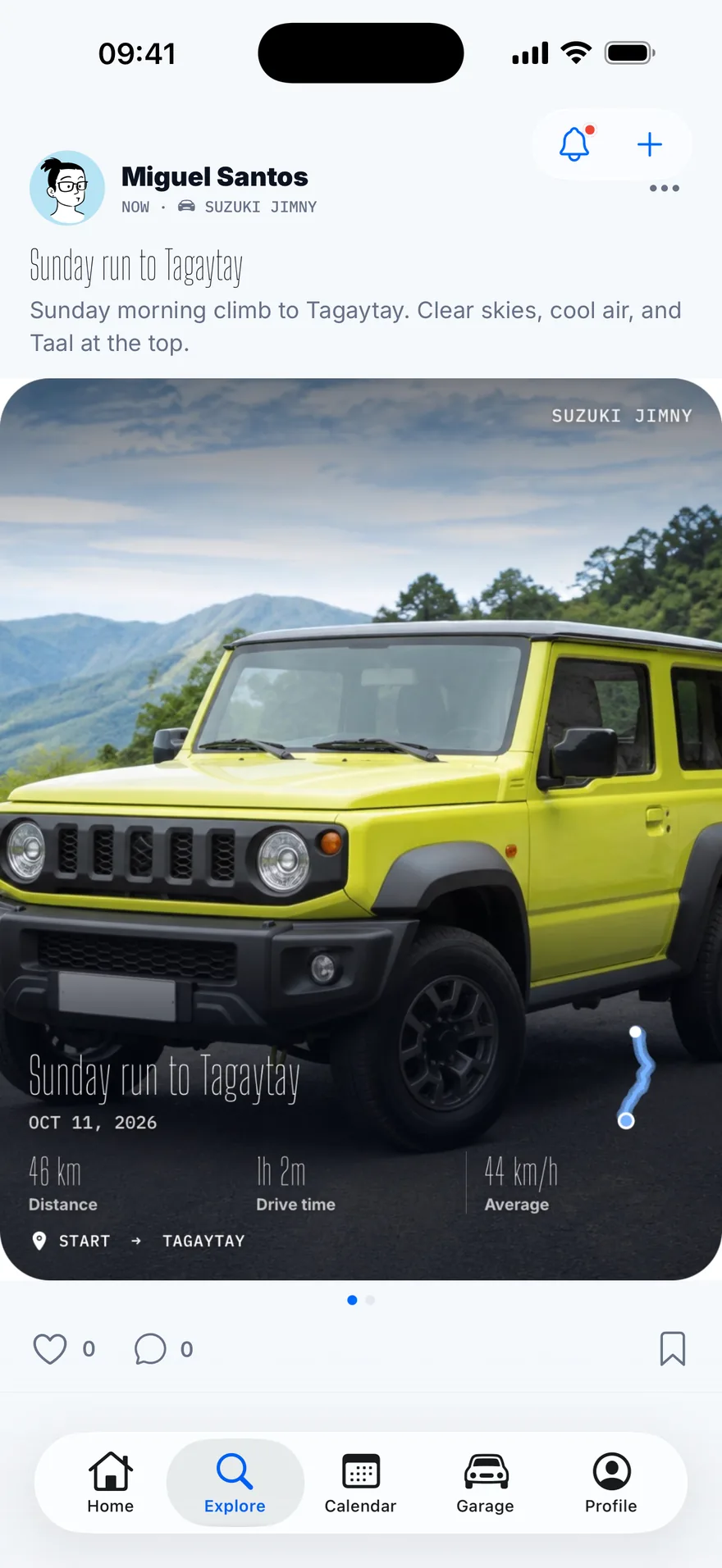
Turn a drive into a card worth sending. Choose what to show — the car, the route, distance, time, average speed, where you went — then post it to Explore, where other drivers share their weekend runs.



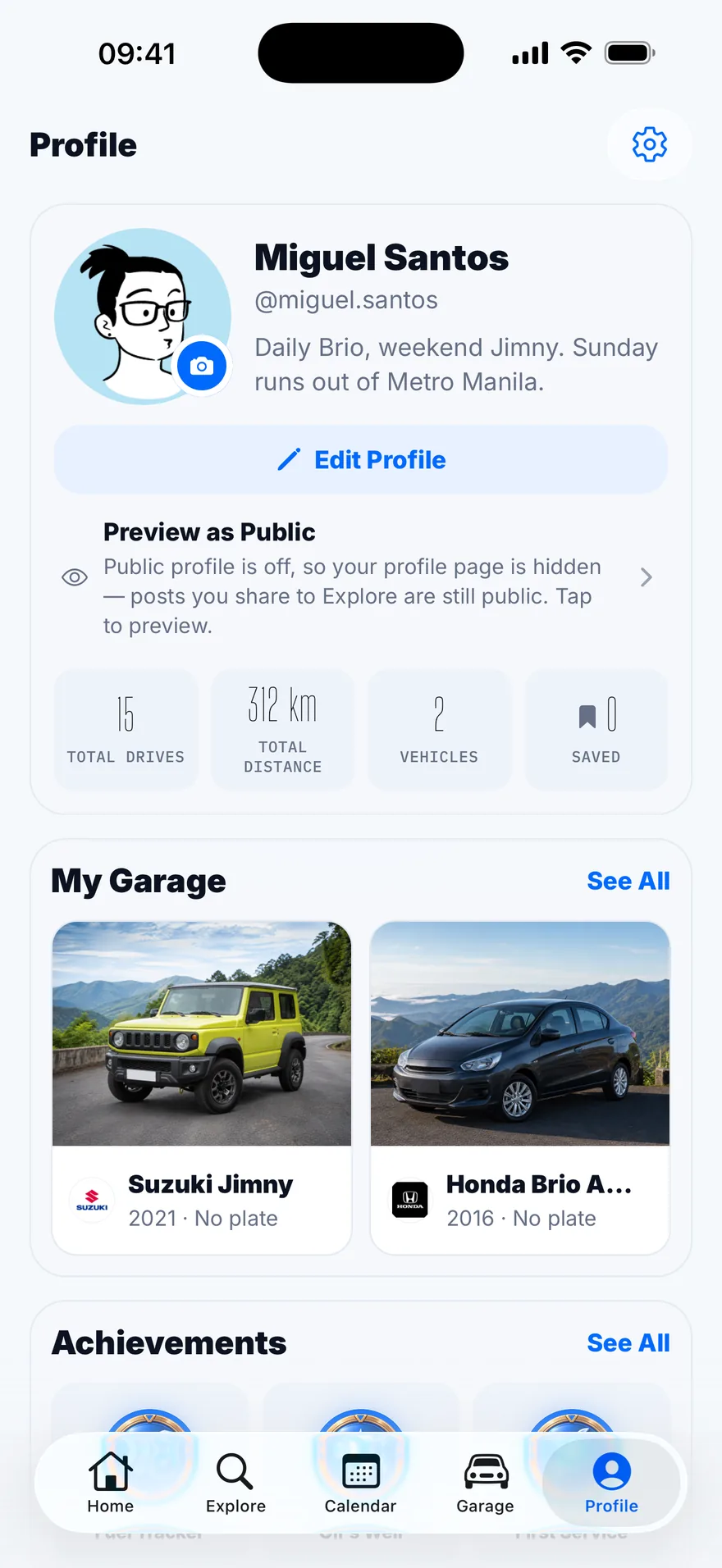
Badges arrive for kilometres driven, services kept on schedule, and a garage that is fully documented.
Privacy
Share the road. Keep your driveway to yourself.
Your real route never leaves the phone. A posted drive carries a cleaned-up copy with the first and last 500 metres trimmed off, so nobody can work out where you live or work.
- No account needed. Your garage lives on your phone. Sign in only to sync or post.
- Plate, VIN and papers stay private. Registration, receipts and costs are never public unless you share them yourself.
- Back up to your own cloud. Turn on iCloud or Google Drive backup whenever you want it.
Also in the glovebox
Everything else your car asks of you.
The parts of ownership that are not driving: what is due, who else drives it, and what it all costs.
A calendar for every car
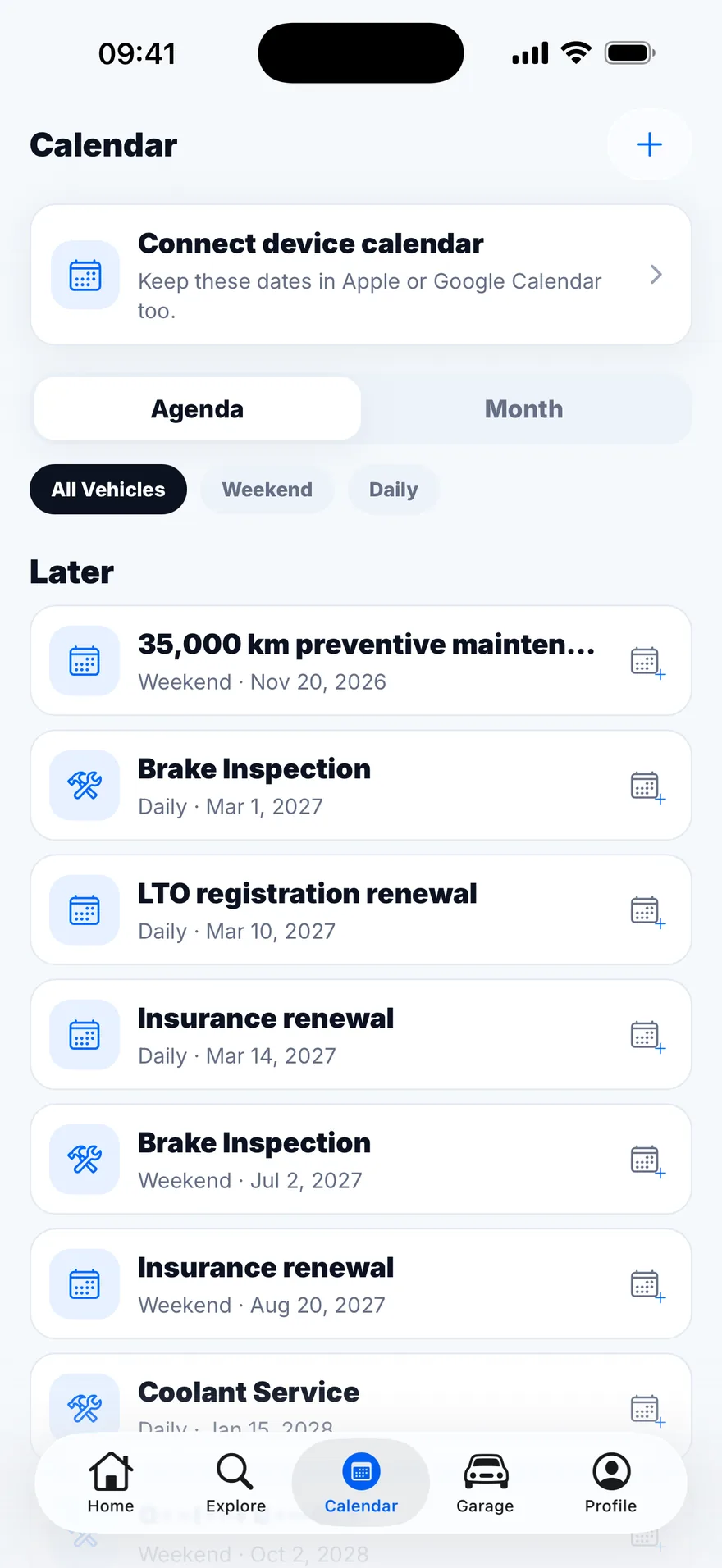
Service due dates, insurance and registration expiry, and your own reminders. Syncs with your phone's calendar if you like.
Share a car at home
Invite a partner or a family member to a shared car. Services, fill-ups and drives from either of you land in the same record.
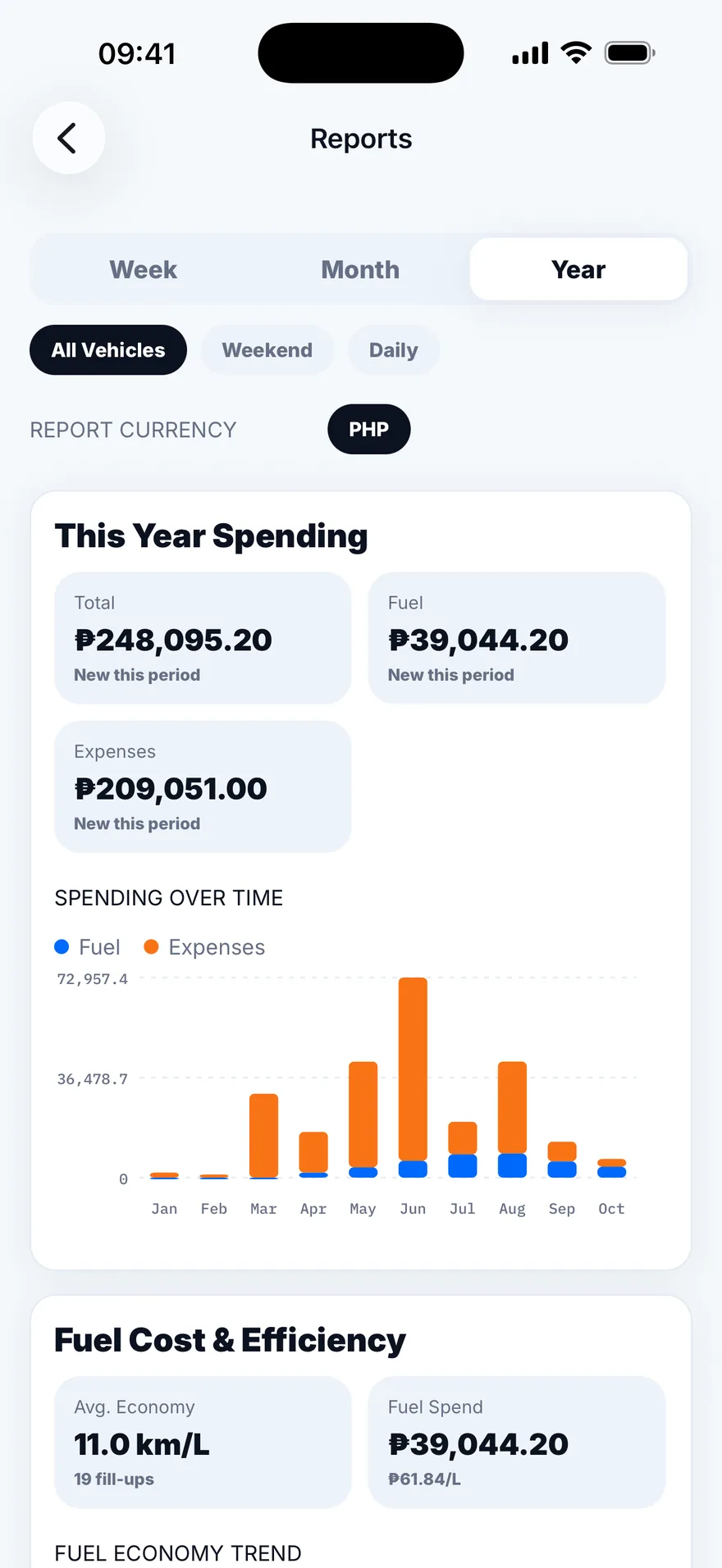
Fuel, costs and insights
Log fill-ups and expenses, watch your real km/L over time, and see what each car actually costs you per month.